Action and system primitives
Primitive 1: the contact decision
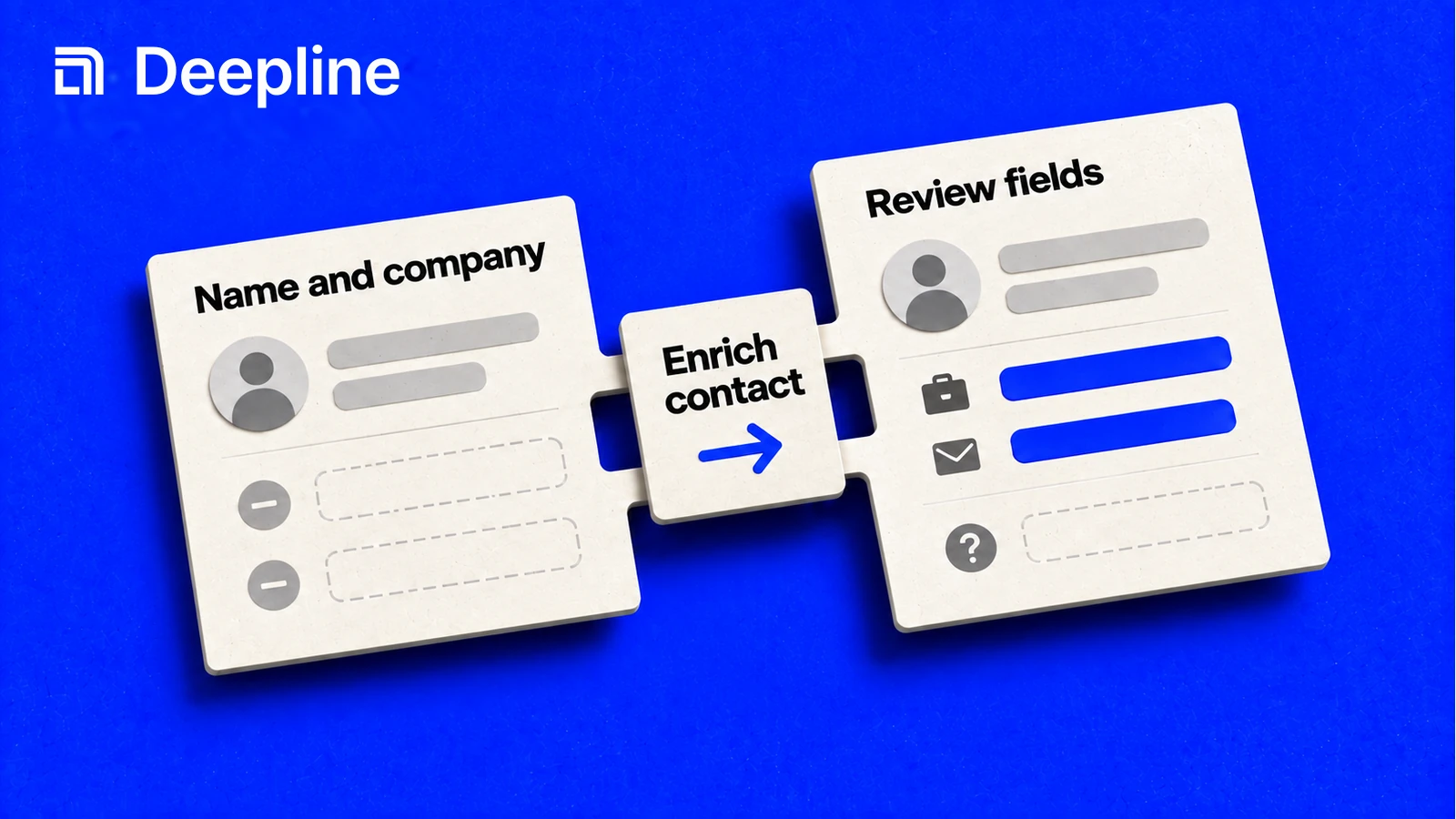
Contact data enrichment starts with a narrow question: what do we need to know before this person enters the next GTM step?
| Human job | Fields to ask for | What to reject |
|---|---|---|
| Route inbound leads | title, company, domain, region | contacts with no company match |
| Prepare outbound | work email, email status, role, LinkedIn | emails with no status or source context |
| Build call lists | phone, phone status, role, timezone | phone numbers without validation context |
| Refresh CRM records | title, company, email, phone, last source | blind overwrites of existing good records |
The human problem is confidence. A rep or RevOps owner needs to know whether the record is usable, questionable, or missing required data.
Primitive 2: the review-first enrichment prompt
You are enriching contact records for a GTM workflow.

Input file: leads.csv
Goal: prepare contacts for outbound review.
Required output fields: work_email, email_status, title, company_domain, linkedin_url.

First inspect the available columns. Then choose the enrichment path.
Run 10 rows first.
For each enriched row, keep a status field so I can tell found, not_found, invalid, or needs_review.
Do not overwrite an existing email unless the new result has a better status.
After the sample, tell me which rows are safe for outbound and which need review.
This keeps enrichment from becoming a black box. The skill gets the first sample, and the human gets a usable decision report before anything becomes automated.
Primitive 3: reviewable contact output
| full_name | company | work_email | email_status | phone_status | next_step |
|---|---|---|---|---|---|
| Ada Lovelace | Example Co | ada@example.com | verified | missing | ready_email |
| Grace Hopper | Example Co | not_found | valid | call_review |
Do not optimize only for filled cells. A clean not_found can be better than a guessed email because it protects the next step.
How to use the skill before deploying enrichment
Start with the Deepline skill. Say what contact data you already have, what fields you need back, and what a usable row looks like. The skill can choose the likely enrichment path, run a small sample, and show which rows are ready, missing, or unsafe.
Once the sample is accepted, the same field contract can become a repeatable script or Deepline Workflow.
Once the sample is good, promote the same contract into a script for repeatable CSV runs or a Deepline Workflow for production handoffs, scheduled refreshes, and review queues.
For provider contact actions, use:
POST /api/v2/integrations/{toolId}/execute
The {toolId} must be a provider tool id, not a waterfall alias. Confirmed contact-oriented provider ids include peopledatalabs_enrich_contact, crustdata_enrich_contact, contactout_enrich_person, and bettercontact_enrich.
Waterfalls are composed Plays, not provider operations. A supported named
prebuilt runs through POST /api/v2/plays/run. Deepline validates owned source
through POST /api/v2/plays/check before execution. Describe the selected Play
first.
Script pattern after the skill works
Use direct tool execution only after the skill has helped you choose and validate a provider tool id:
deepline tools execute peopledatalabs_enrich_contact \
  --input '{"full_name":"Ada Lovelace","company":"Example Co","domain":"example.com"}'
Search the live Play catalog for company-to-contact workflows and inspect the selected contract. This example finds contacts by role from company inputs:
PLAY_NAME=$(deepline plays search "company" --json | jq -er 'first(.plays[] | select(.inputSchema.properties.csv? != null) | (.reference // .name))')
deepline describe "$PLAY_NAME"
deepline plays run "$PLAY_NAME" --csv accounts.csv --watch
The JSON object spec is the important contract. It must include alias, tool, and payload.
Quality check before deploying a Workflow
No no-spend generic workflow-specific test route was found for contact data enrichment. POST /api/v2/integrations/test may execute real provider paths for provider-backed cases and must not be documented as safe test validation.
For waterfall-backed contact workflows, POST /api/v2/plays/check validates an owned Play artifact before execution. That is workflow preflight, not a provider contact-enrichment test endpoint. Named prebuilts should be described and then run through the Play routes.
Before a full run, check whether the sample has stable output columns, useful status fields, and no blind overwrites of existing contact data.
Cost and billing behavior
Deepline bills managed requests in credits. If you connect a supported provider key, you pay that provider separately. Deepline's provider-key allowance and overage fees still apply.
Single-provider enrichment commonly leaves coverage gaps. Waterfall enrichment improves match rates by querying multiple providers in sequence, but the lift varies by ICP and region. Run a small sample, inspect output quality, then scale the contact data enrichment workflow once the fields match the downstream GTM job.