

Use Claude plugins if you prefer a Claude plugin. Use MCP
setup if your agent does not use a shell.
Watch the setup
1. Install
- Coding agent
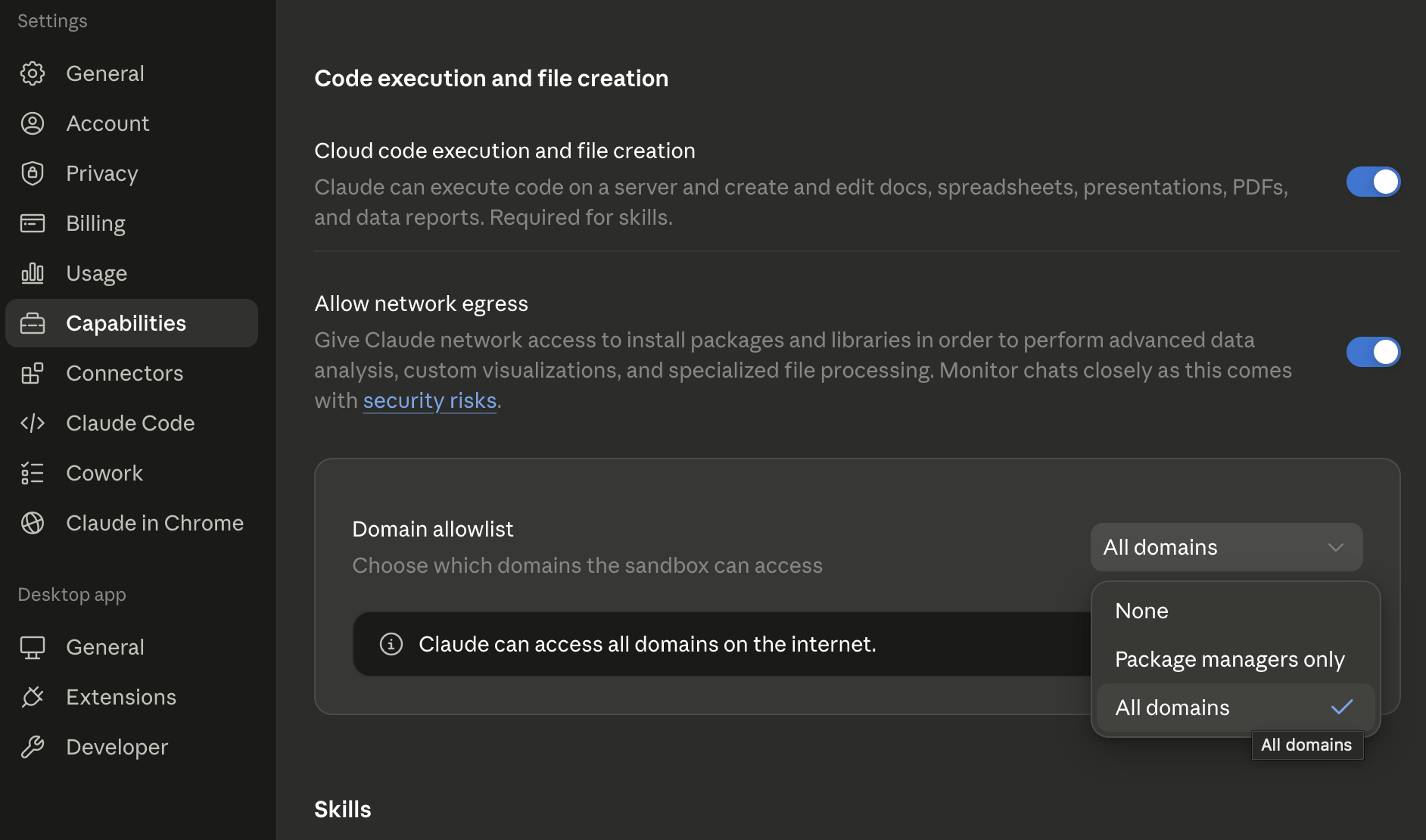
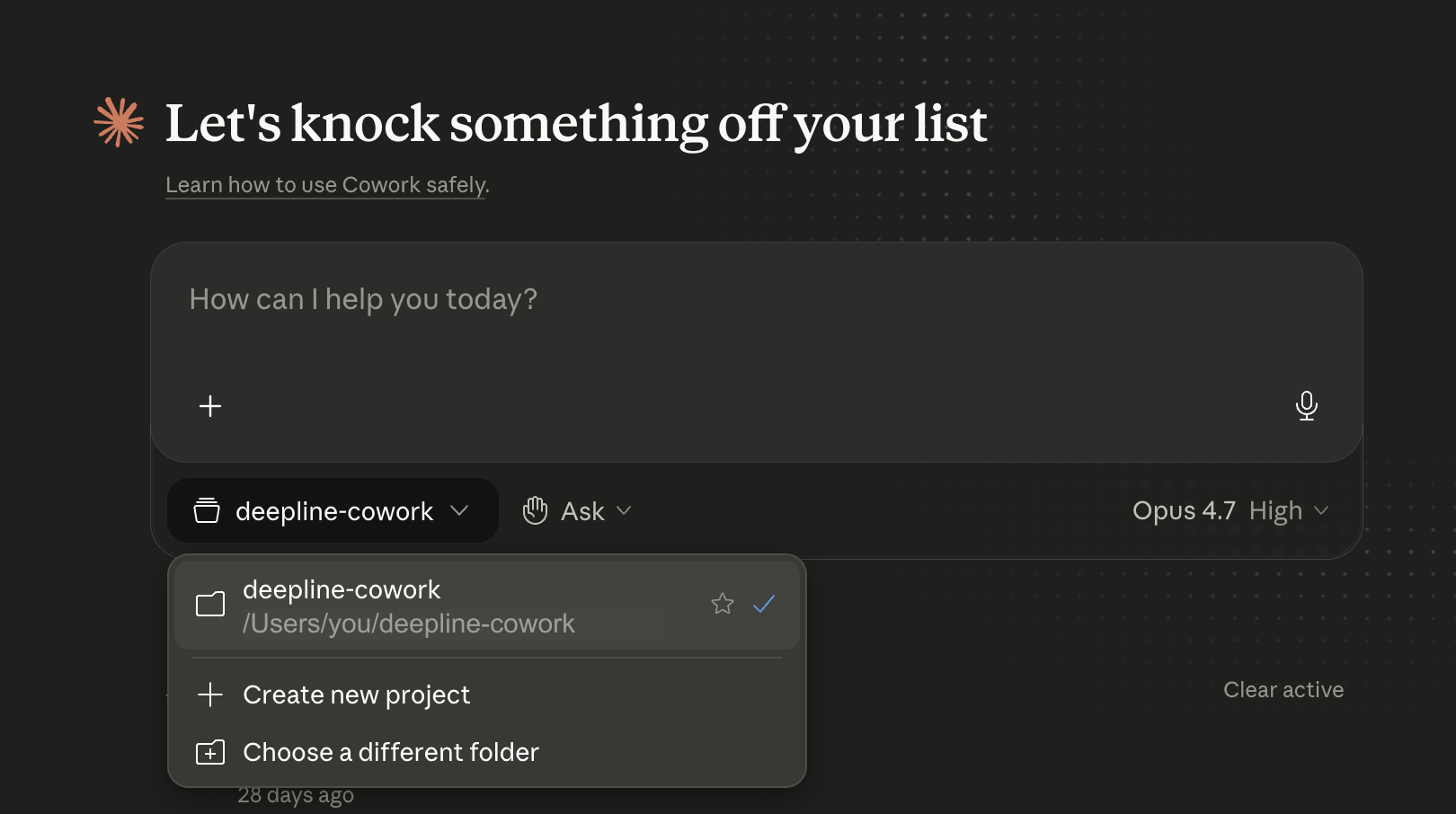
- Claude Cowork
Prerequisites
- Claude Code or any AI coding agent
- Permission for the agent to run setup commands
Ask your agent to install Deepline
Paste this into Claude Code, Codex, Cursor, Gemini CLI, or another shell-capable coding agent:Terminal fallback
Terminal fallback
Check Older npm:If this command reports that Node.js or npm is missing or unsupported,
install the current Node.js LTS release from
nodejs.org and retry, or use the coding
agent flow above to handle runtime setup.If setup fails, use the exact retry or diagnostic command in its JSON
response. Run
npm --version and use the matching command.npm 11.16 or newer:deepline doctor --json when setup directs you to diagnose
the environment.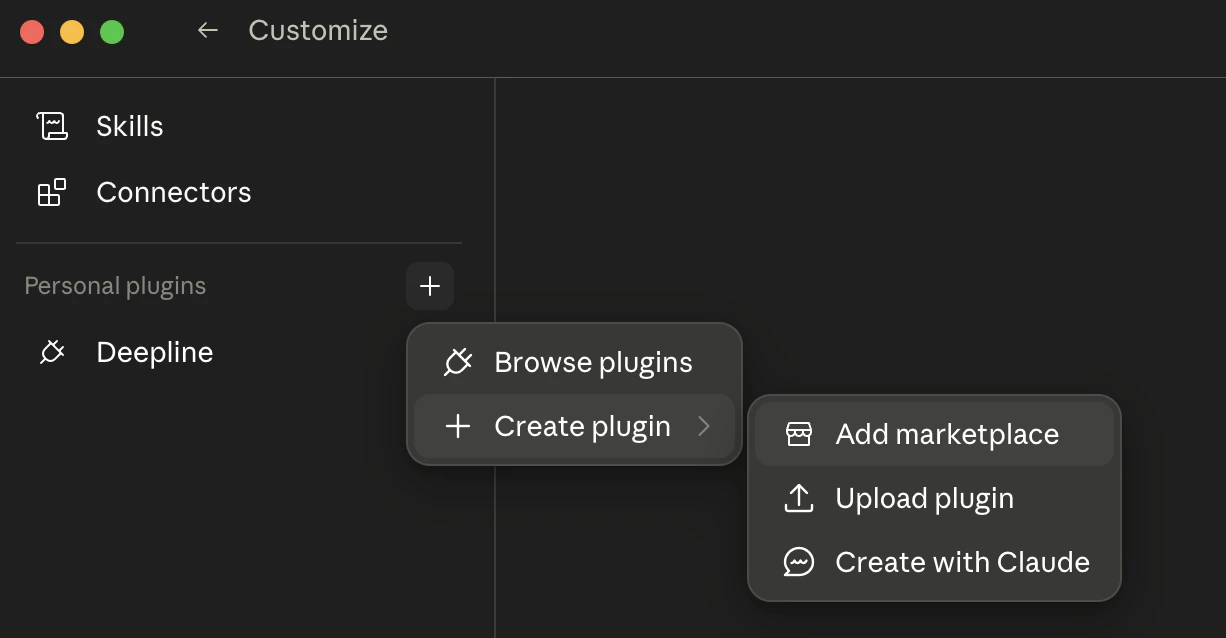
2. Run one request
The Deepline skill auto-syncs when you install the CLI. In Claude Code, type:/deepline-gtm prefix tells your agent to use Deepline. Describe the
result and constraints after the prefix. Start with one of these requests:
/deepline-gtm prompt, show the reusable prompt, and run it.
A useful first run ends with one of two outcomes: a result with the fields
you asked for, or a clear reason no result was found. Review that outcome
before you run a larger list.
CLI command (advanced)
CLI command (advanced)
What happened
- Your agent selected a prebuilt Play or created a custom Play.
- Deepline ran the selected work and recorded the run.
- The result shows the requested fields, or why a result was unavailable.
- You now have a concrete prompt to reuse or refine.
3. Scale only after the first result looks right
For a list, use this request:Next steps
Deepline Skills
Choose the packaged GTM skill for research, enrichment, review, or reusable automation.
API Reference
How tools, payloads, and waterfall execution work under the hood.
Database Access
Query resolved customer data from the local database surface.
Email Waterfall Recipe
Step-by-step: find verified emails for a list of contacts.
Provider Integrations
Per-provider guides, schemas, and sample outputs.
I Have X, I Want Y
Pick the right workflow based on what data you already have.
Example Skills
Open-source GTM workflow templates on GitHub.
Reach us:
/deepline-feedback in Claude Code, or team@deepline.com.