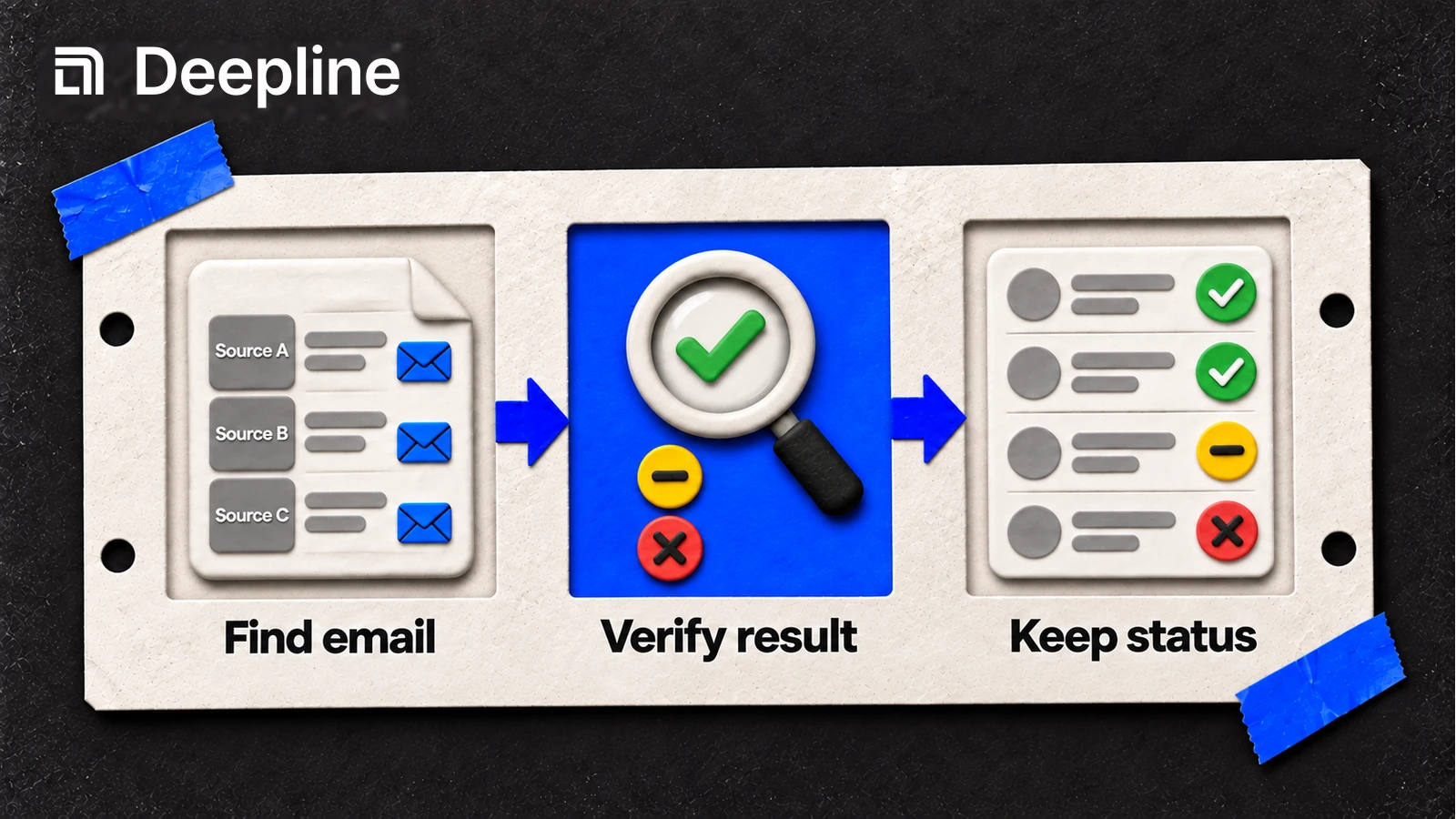
An email enrichment tool adds an address or contact information to an existing record. Choose the tool by the input you have and the evidence you need at the end. A list of names and company domains needs a finder. A list of addresses needs a verifier. A waterfall coordinates several attempts when one source leaves records unresolved.
The useful comparison is a small test on your own audience. Published coverage percentages from another list cannot tell you how a provider will perform on yours. This guide explains what to test; it does not report a new benchmark.
Finder, verifier, or waterfall?
| Your starting point | Tool to evaluate | What to inspect |
|---|---|---|
| Name and company domain, no address | Email finder, such as Hunter | Required identifiers, returned address, source evidence, and verification fields |
| An existing address | Email verifier, such as Hunter or ZeroBounce | Status, reason, catch-all handling, and unresolved checks |
| Records a single source cannot resolve | Multi-provider waterfall, such as a Deepline Play | Which attempts ran, why each continued or stopped, and the final acceptance rule |
| Email address, but missing profile details | Contact enrichment API | Identity match, field provenance, and which fields remain unknown |
These are different operations, not an ordered ranking. Hunter documents separate finding, verification, and enrichment endpoints. ZeroBounce documents distinct valid, invalid, catch-all, and unknown validation results. Check the selected provider's current contract before mapping its result into your CRM.
Define an acceptable result before you run the list
For a work-email list, write down the domain you expect, the validation states your team accepts, and the records that need review. A catch-all result and a timeout should not silently become a verified address. A provider outage should not become a definitive “not found.”
Keep the address separate from its evidence. A useful evaluation record includes:
- the original row identifier and input domain;
- the returned address and source;
- the provider's validation status and reason, where available;
- each attempted lookup and any operational error;
- when the check ran and whether the record passed your policy.
That is a proposed evaluation record, not a promise that every vendor returns those exact fields. Preserve raw provider evidence where the contract makes it available; otherwise record the limitation.
Run a small Deepline pilot from Codex or Claude Code
Ask the agent to inspect the input and describe the Play before executing it. For the maintained name-and-domain batch waterfall:
deepline describe prebuilt/name-and-domain-to-email-waterfall-batch
deepline plays run prebuilt/name-and-domain-to-email-waterfall-batch --csv pilot.csv --watch
The default CSV headers are FIRST_NAME, LAST_NAME, and COMPANY_DOMAIN. The Play also supports column mappings; use the described input contract if your headers differ. pilot.csv should contain the small sample you intend to run. The run executes provider calls and can incur charges.
The batch Play preserves source columns and adds email, email_source, email_validated, email_attempts, and waterfall_attempts. Inspect those fields together. Follow the inspection and export commands printed by the run to review its rows.
An agent prompt worth keeping in your repository:
Inspect pilot.csv and the current Play input schema.
Report missing required inputs before running anything.
Run only this pilot file. Do not write results into our CRM.
Separate accepted results, unresolved rows, and provider errors.
Show the evidence for any rejected or ambiguous result.
Report customer-visible usage and ask before expanding the input.
See the waterfall implementation guide for the longer workflow and the data enrichment API guide for field contracts and downstream writes.
Compare coverage and cost without hiding the misses
Use the same deduplicated input and acceptance policy for each candidate. Include the segments you actually serve: for example, different regions, company sizes, and the kinds of incomplete input your CRM contains. Record the sample dates and size alongside the result.
| Measure | Definition |
|---|---|
| Accepted coverage | Input records with an address that passes your policy / all eligible input records |
| Unresolved rate | Eligible records without an accepted result / all eligible input records |
| Operational error rate | Records affected by an execution or provider error / all eligible input records |
| Cost per accepted address | Total customer charges for the pilot / unique accepted addresses |
| Incremental waterfall coverage | Records accepted only after the first source / all eligible input records |
Keep operational errors visible even when a later attempt succeeds. Report their overlap with unresolved records instead of assuming every category is mutually exclusive. If no address passes the policy, the cost per accepted address is undefined, not zero.
For Deepline, use the run's customer-visible usage and the current pricing terms. Managed and BYOK arrangements have different billing terms. Do not assume a universal per-email price or that BYOK always has no platform charge.
When a single provider is enough
If one provider meets your acceptance criteria at a reasonable cost, a longer waterfall may add little. Extra providers are useful when they resolve a material part of the remaining list and you can inspect the added cost and evidence. That is a decision to make from the pilot, not from the number of logos in a comparison table.
Verification also has limits. It does not establish consent, replace suppression rules, or guarantee inbox placement. Keep sending decisions in your outreach policy and evaluate delivery outcomes separately from enrichment coverage.
Frequently asked questions
1What is the difference between email finding and verification?+
Finding looks for an address from identifiers such as a name and company domain. Verification evaluates an address you already have. Keep the original result and its status; finding an address does not by itself establish that it is safe to send to.
2Which email enrichment tool has the best coverage?+
This guide does not establish a universal winner. Compare tools on the same representative sample, with the same acceptance criteria. Report accepted addresses, unresolved records, provider failures, and cost separately.
3Does a waterfall guarantee a deliverable email?+
No. A waterfall can try additional sources when an earlier source does not produce an acceptable result. Coverage depends on the input and providers; mailbox verification does not guarantee delivery or inbox placement.
4How should I compare email enrichment costs?+
Measure total customer charges for the pilot, then divide by the number of unique addresses that meet your acceptance policy. Include failed and unresolved lookups in the spend total. When there are no accepted addresses, report the cost per accepted address as undefined.