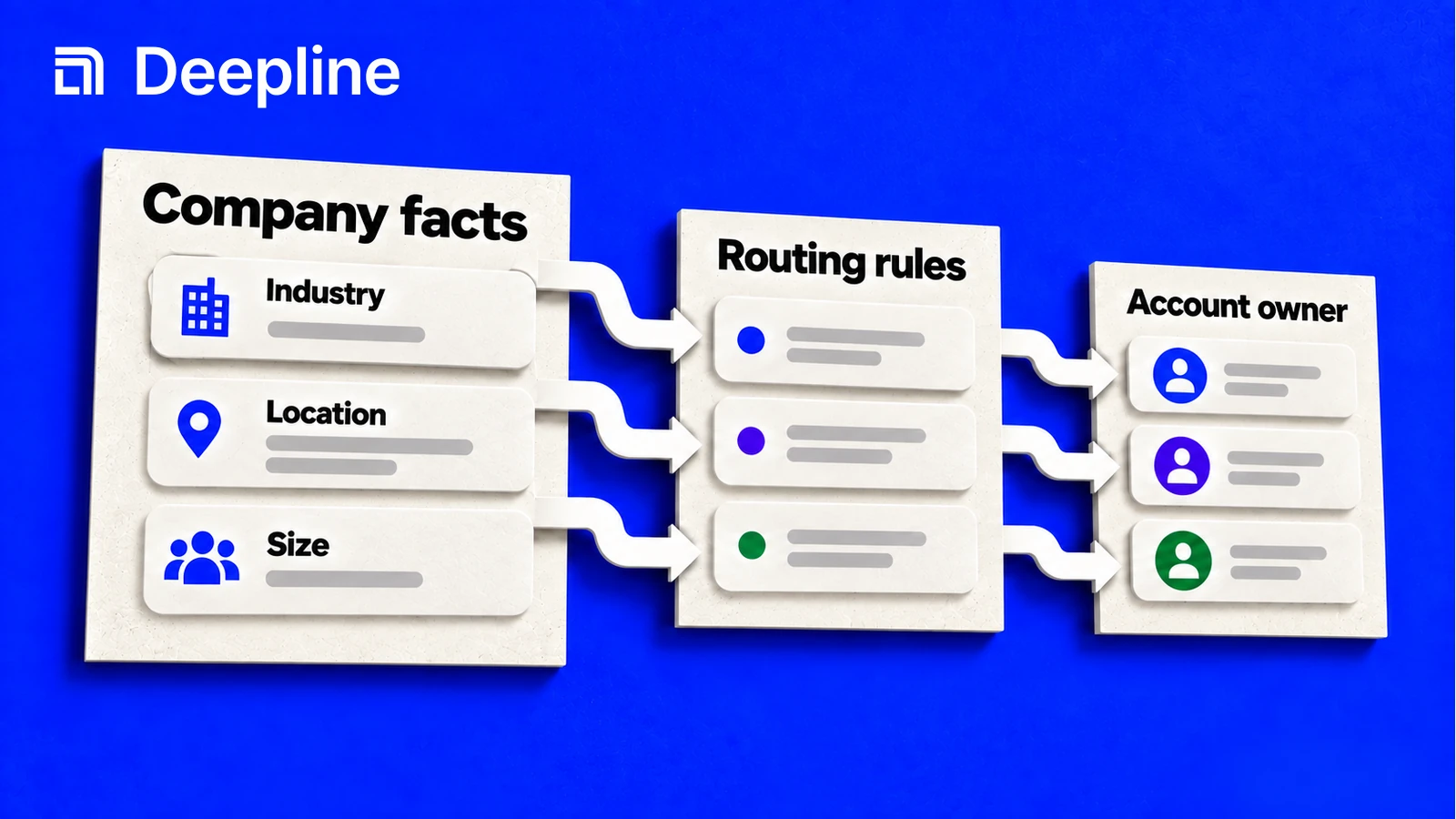
Action and system primitives
Primitive 1: routing rules
Firmographic data is the company profile layer: domain, industry, location, employee range, revenue range where available, and related account fields. It becomes useful when those fields drive a decision.
| Decision | Firmographic fields to inspect | Bad output |
|---|---|---|
| Territory routing | country, region, employee range | location is missing or ambiguous |
| ICP scoring | industry, company size, domain | fields do not map to your ICP |
| Account deduplication | domain, company name, identifiers | duplicate records with no canonical |
| Outbound segmentation | industry, size band, headquarters | segment labels are too vague |
Primitive 2: the routing prompt
You are enriching company records with firmographic data.

Input file: accounts.csv
Goal: decide account segment and routing.
Required fields: company_name, domain, industry, employee_range, country, route_reason.

Inspect the CSV headers first.
Run 10 accounts.
For each row, return the enriched fields plus a route_reason that explains which fields were used.
Mark rows as needs_review when industry, country, or employee range is missing.
The route_reason is the human-readable bridge between enrichment and action.
Primitive 3: route-ready company output
| company_name | domain | industry | employee_range | country | route_reason |
|---|---|---|---|---|---|
| Example Co | example.com | Software | 51-200 | US | mid-market US account |
| Sample Inc | sample.com | 1001-5000 | US | missing industry |
Firmographic enrichment should make uncertainty visible, not hide it.
How to use the skill before turning company data into rules
Start with the Deepline skill. Tell it what accounts you have, what company fields your routing rule needs, and what a useful scored row looks like. The skill can find the right company-data path, run a small sample, and make missing fields visible before you automate.
Once the sample supports the routing decision, promote the same field contract into a script or Deepline Workflow.
When the sample supports the routing decision, promote the same field contract into a script for repeatable account refreshes or a Deepline Workflow for scheduled routing, scoring, and CRM review.
Firmographic company search uses the company-search execution surface:
POST /api/v2/integrations/{toolId}/execute
The {toolId} must be a provider tool id. Confirmed company-search ids include free_simple_company_search, apollo_company_search, peopledatalabs_company_search, leadmagic_company_search, crustdata_v2_company_search_realtime, findymail_search_lookalike_companies, prospeo_search_company, and theirstack_company_search.
Scripts and Workflows can use this route to fetch company records, then apply firmographic criteria to route accounts, prioritize outreach, or enrich CRM records.
Script pattern after the skill works
Use tool discovery after the skill has narrowed the firmographic provider action:
deepline tools search company
deepline describe free_simple_company_search
Then execute the selected tool with an explicit payload:
deepline tools execute free_simple_company_search \
  --input '{"sql":"SELECT * FROM companies LIMIT 5"}'
For provider-backed searches, describe the provider action first and use its documented input schema:
deepline describe apollo_company_search
deepline tools execute apollo_company_search \
  --input '{"q_organization_name":"example","page":1}'
Quality check before deploying a Workflow
For company search, POST /api/v2/integrations/test proxies free_simple_company_search through the real execute path. Use that when the workflow needs to validate the free firmographic company-search path.
For provider-backed firmographic data workflows, no no-spend workflow-specific test route is currently documented. Provider-backed validation should be treated as real execution unless the endpoint map confirms otherwise.
Before a full run, confirm that the sample can drive the actual route, score, or segment. If the workflow only produces background research, narrow the requested fields.
Cost and billing behavior
Deepline bills managed requests in credits. If you connect a supported provider key, you pay that provider separately. Deepline's provider-key allowance and overage fees still apply.
Firmographic workflows should start with a small sample. Inspect whether returned company fields are complete enough for the routing or scoring rule, then scale after the GTM system has clear behavior for missing or ambiguous fields.