Action and system primitives
Primitive 1: the job, not the vendor logo
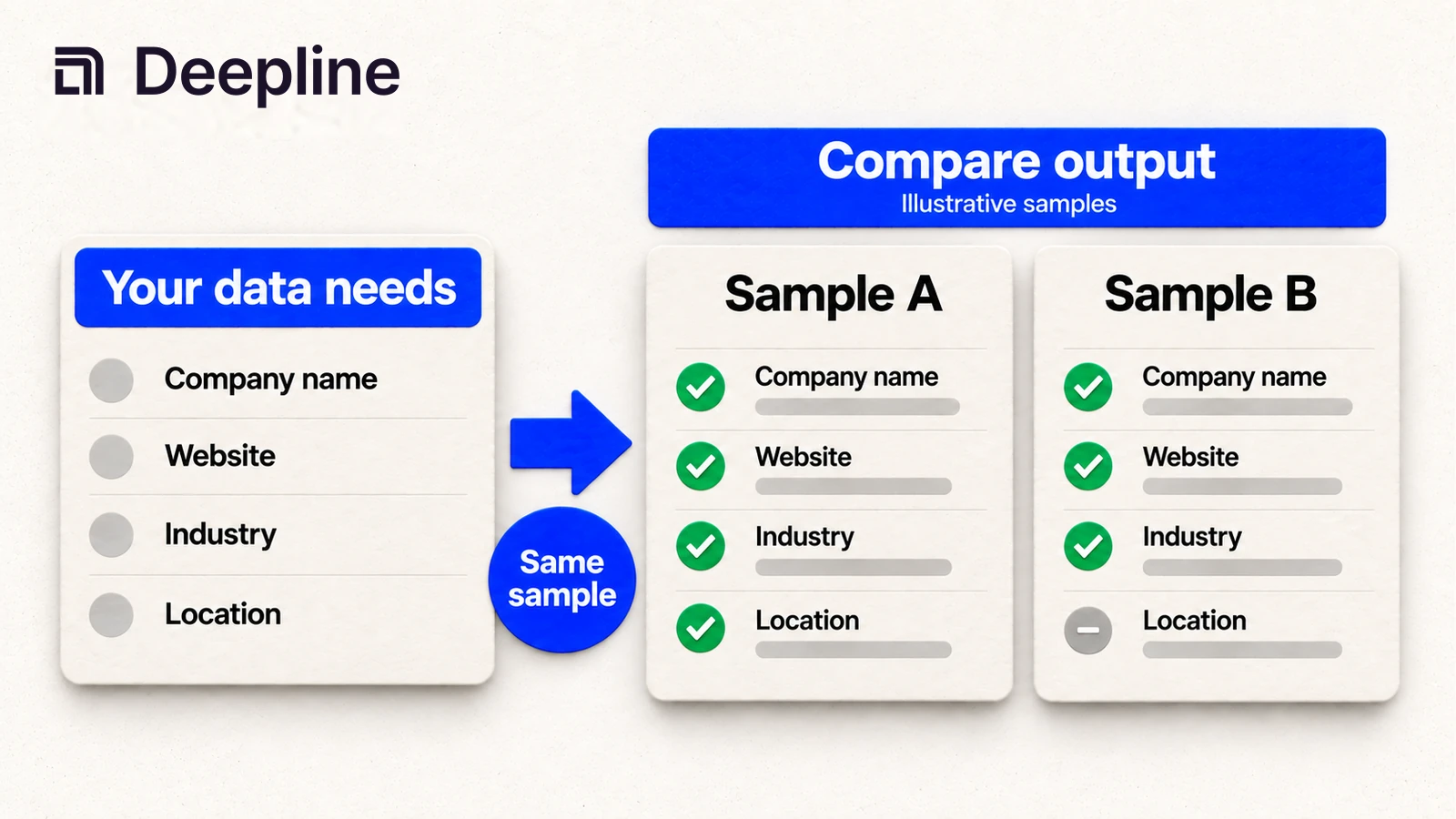
B2B data vendors are not interchangeable. One may be strong for company search, another for work emails, another for technology signals. Most teams do not actually want to pick a vendor first. They want to say, "I have this list, I need this output, and this is what a useful row looks like."
That is the Deepline skill path. Start from the job and the desired output. Let the skill find candidate data sources, run a small sample, and show which rows are ready for scoring, routing, or outbound.
| GTM job | What to compare | Human decision |
|---|---|---|
| Build account lists | company filters, domains, firmographics | which accounts enter the list |
| Enrich contacts | email, phone, title, LinkedIn | which contacts are usable |
| Score accounts | fit fields, intent, tech stack | which accounts get prioritized |
| Refresh CRM records | freshness, missing fields, status | which records are safe to update |
Avoid broad claims like "best B2B data provider" unless the page names the job, input, output, and sample result.
Primitive 2: the skill prompt
I need B2B company data for one GTM workflow.

What I have: a description of the accounts I want, plus a CSV if needed.
What I want: company_name, domain, industry, employee_range, country, source_status.
Good output looks like: a small account list where each row has enough fields to score or route.

Workflow goal: build a target-account list for outbound.
Input criteria: B2B SaaS companies in the United States with 51-500 employees.

Use the Deepline skill to find likely data sources and provider tools.
Run a small sample only.
Show good rows and bad rows.
Tell me which fields came back consistently, which fields were missing, and whether the output is usable for routing or scoring.
This keeps the comparison grounded in the outcome. It also gives the skill a review point before the vendor choice becomes a script or Workflow.
Primitive 3: comparable vendor output
| company_name | domain | employee_range | country | source_status | next_step |
|---|---|---|---|---|---|
| Example Co | example.com | 51-200 | US | matched | score |
| Sample Inc | sample.com | US | partial | review |
The missing employee range matters. If that field drives territory routing, the row should not silently pass.
How to use the skill before choosing a vendor
Start with the Deepline skill. The skill is the primary way to compare vendor output because the user does not need to know whether the right first step is company search, contact enrichment, technology lookup, or public-source research.
The best pattern from customer workflows is:
- describe what you have,
- describe the output you want,
- give one example of what good looks like,
- run a small sample,
- review good and bad rows,
- then promote the accepted field contract into a script or Deepline Workflow.
This is different from manually researching vendors and asking an agent to convert every exploratory step one-to-one. The skill should test assumptions, choose the data path, and work toward the outcome first.
Implementation surfaces after the skill works
Company-search provider actions use:
POST /api/v2/integrations/{toolId}/execute
The {toolId} must be a real provider tool id. Confirmed company-search ids include free_simple_company_search, apollo_company_search, peopledatalabs_company_search, leadmagic_company_search, crustdata_v2_company_search_realtime, findymail_search_lookalike_companies, prospeo_search_company, and theirstack_company_search.
This gives scripts and Workflows a single execution shape for many data vendors while preserving the selected provider action. It also keeps vendor-backed work distinct from composed waterfall flows, which should run through enrich or plays when you need fallback logic.
Script pattern after the skill works
Use deepline tools execute only after the skill has helped select and validate a provider tool id:
deepline tools execute free_simple_company_search \
  --input '{"sql":"SELECT * FROM companies LIMIT 5"}'
For a provider-backed company search, replace the tool id and payload with the provider action and fields returned by deepline describe:
deepline describe theirstack_company_search
deepline tools execute theirstack_company_search \
  --input '{"company_keyword_slug_or":["snowflake"],"limit":5}'
Use discovery before execution when the skill is comparing b2b data companies:
deepline tools search company
Quality check before deploying a Workflow
For company search, POST /api/v2/integrations/test proxies free_simple_company_search through the real execute path. That is the documented safe validation path for the free company search workflow.
For provider-backed vendor workflows, no no-spend workflow-specific test route is currently documented. Do not present a paid provider-backed integrations/test case as safe validation unless the endpoint map explicitly confirms that behavior for the workflow.
Before using a vendor in production, run the same sample through the workflow that will consume the data. A provider is only "good" if its output supports your scoring, routing, or outbound decision.
Cost and billing behavior
Deepline bills managed requests in credits. If you connect a supported provider key, you pay that provider separately. Deepline's provider-key allowance and overage fees still apply.
Different data vendors return different field shapes and coverage patterns. Run a small sample first, inspect the account fields and failure cases, then scale only after the workflow returns records your scoring, routing, or outbound system can use.