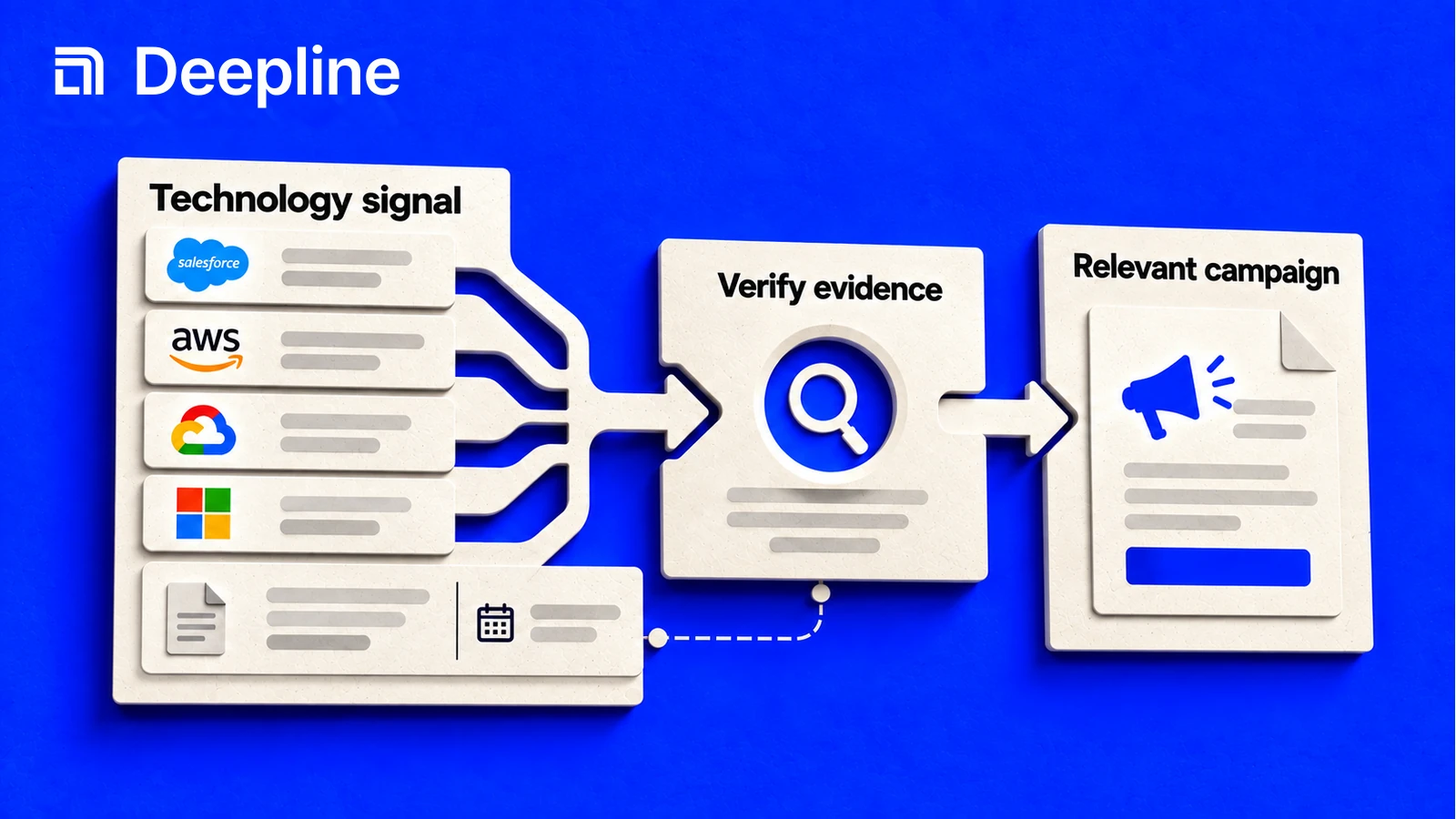
Action and system primitives
Primitive 1: technology evidence
Technographic data helps answer questions like "which accounts use Salesforce?", "who might be migrating off a competitor?", or "which companies fit our integration story?" The mistake is treating one weak signal like a complete account profile.
| GTM motion | Technology signal to ask for | Human check |
|---|---|---|
| Competitive displacement | target or competitor technology | is there evidence for the match? |
| Partner targeting | complementary technology | does the tech fit the offer? |
| Migration campaign | legacy or replacement technology | is the signal recent enough? |
| Account scoring | installed software plus company fit | does fit still come first? |
Primitive 2: the technology-signal prompt
You are finding accounts based on technology signals.

Target technology: Snowflake
Goal: identify accounts for an integration-focused outbound campaign.
Required fields: company_name, domain, detected_technology, evidence_or_source, confidence_if_available, next_step.

Search for a small sample first.
Do not infer a full technology stack from one weak signal.
Mark rows as needs_review when the evidence is unclear.
After the sample, summarize whether this technology signal is strong enough for outbound targeting.
This keeps the page useful for a marketer or RevOps operator who needs judgment, not only a dataset.
Primitive 3: evidence-backed account output
| company_name | domain | detected_technology | evidence_or_source | next_step |
|---|---|---|---|---|
| Example Co | example.com | Snowflake | provider_match | score_fit |
| Sample Inc | sample.com | Snowflake | weak_match | needs_review |
The needs_review row is useful. It prevents the campaign from treating every match as equally strong.
How to use the skill before automating technology signals
Start with the Deepline skill. Tell it which technology signal matters, what evidence would make an account usable, and what a bad or uncertain match looks like. The skill should return sample accounts with evidence, source context, and a review status before the signal affects scoring or outbound.
Once the sample is accepted, the same signal contract can become a script or Deepline Workflow.
When the signal is trustworthy, promote the same search pattern into a script for repeatable list building or a Deepline Workflow for scheduled scoring, routing, and review.
Provider-backed technographic company search uses:
POST /api/v2/integrations/{toolId}/execute
Use a confirmed provider tool id. The endpoint map names theirstack_company_search as a company-search action, alongside other company-search provider actions. A technographic workflow can call:
POST /api/v2/integrations/theirstack_company_search/execute
The payload should match the provider schema returned by tool description. Scripts and Workflows should not invent a generic technographic endpoint or use waterfall aliases as direct execute targets.
Script pattern after the skill works
Use tool discovery and description after the skill has narrowed the technology search:
deepline tools search technographic
deepline describe theirstack_company_search
Then call the confirmed provider tool id with a provider-shaped payload:
deepline tools execute theirstack_company_search \
  --input '{"company_keyword_slug_or":["snowflake"],"limit":5}'
The exact input fields are provider-specific. Keep the script or Workflow tied to deepline describe output so it can fail loudly if the provider schema changes.
Quality check before deploying a Workflow
No no-spend workflow-specific test route is currently documented for provider-backed technographic data workflows. The endpoint map documents POST /api/v2/integrations/test as a proxy for free_simple_company_search through the real execute path, but that is company search validation, not a generic technographic test route.
For provider-backed technology search, treat validation as real execution unless a no-spend workflow-specific test route is explicitly documented.
Before a full run, check whether the returned evidence is strong enough for the campaign. If the sample does not show source or confidence context, use the result for research, not automated outbound.
Cost and billing behavior
Deepline bills managed requests in credits. If you connect a supported provider key, you pay that provider separately. Deepline's provider-key allowance and overage fees still apply.
Technographic searches can be powerful but should be sampled first. Inspect whether the returned technology evidence is suitable for your GTM rule, then scale the workflow after scoring, routing, and missing-field behavior are clear.