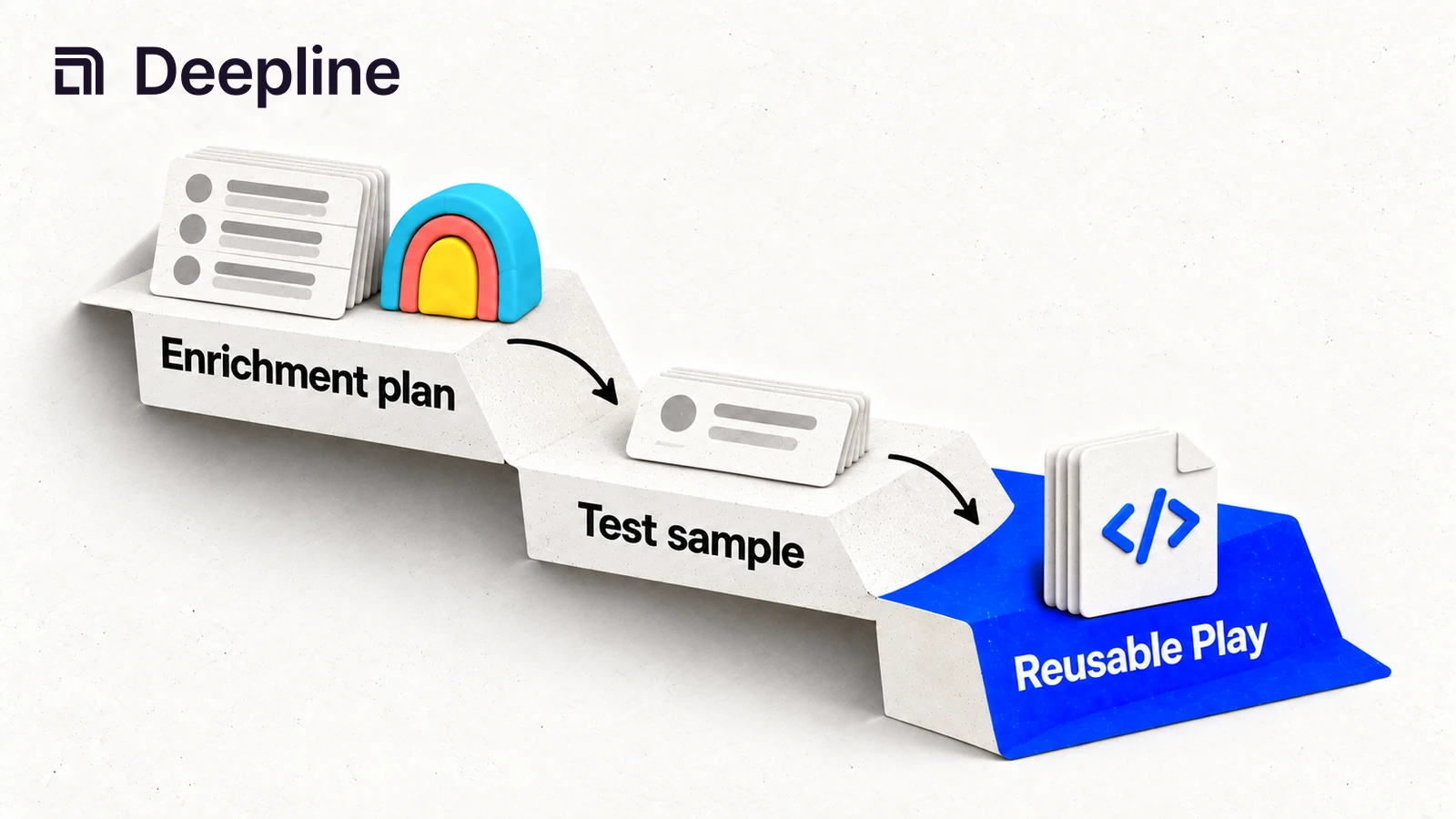
Action and system primitives
Primitive 1: the control plane decision
Clay is useful when a human wants to explore a list visually, test columns by hand, and review results inside a browser table. That is a real use case.
Deepline is the better fit when the workflow needs to run the same way every time: a CSV comes in, enrichment runs, output columns are written, and another system uses the result.
| Use Clay when | Use Deepline when |
|---|---|
| a human is experimenting in a table | the same motion should become a Workflow |
| the list changes by hand | the same CSV shape repeats every week |
| visual review is the main job | CRM, scoring, or outbound is the next job |
| one-off exploration matters most | repeatability and logs matter most |
Primitive 2: the waterfall prompt
You are converting a waterfall enrichment workflow into a repeatable GTM run.

Input file: leads.csv
Goal: find work emails for outbound review.
Required input columns: first_name, last_name, domain.
Required output columns: email, email_status, next_step.

Run a 10-row sample first.
Use a waterfall only when a single provider is likely to leave coverage gaps.
Do not overwrite existing emails unless the new result is verified or clearly better.
After the sample, summarize found, not_found, invalid, and needs_review rows.
This gives the operator the same practical benefit people like in Clay, but in a workflow that can be replayed.
Primitive 3: waterfall output with status
| first_name | last_name | domain | email_status | next_step | |
|---|---|---|---|---|---|
| Ada | Lovelace | example.com | ada@example.com | verified | ready_outbound |
| Grace | Hopper | example.org | not_found | retry_or_skip |
The status fields are the control plane. Without them, the output is just a spreadsheet with mystery cells.
How to use the skill before turning the waterfall into a Workflow
Start with the Deepline skill. Tell it what list you have, which field should be filled, and what a good row, a miss, and a review row should look like. The skill should run a small waterfall sample first instead of asking you to manually recreate every fallback step.
When the output is trusted, promote the same waterfall contract into a script for repeatable CSV runs or a Deepline Workflow for scheduled enrichment, review queues, and downstream CRM or outbound handoffs.
For a maintained prebuilt waterfall, use the Play routes directly:
GET /api/v2/plays/{name}to inspect the named contractPOST /api/v2/plays/runto start the named Play
For an owned .play.ts module, POST /api/v2/plays/check validates the bundled artifact before POST /api/v2/plays/run starts it. Named prebuilts already have a published contract and run through the Play endpoint without a legacy enrichment-plan compilation step.
Waterfall aliases are composed Play-backed flows. Do not treat a waterfall as
one provider operation. For a compatible CSV, run the maintained batch Play
with deepline plays run.
Script pattern after the skill works
After the skill output is approved, deepline plays run prebuilt/name-and-domain-to-email-waterfall-batch --csv leads.csv --watch is the cleanest script interface. It resolves the published prebuilt contract and starts it through the V2 Play runtime.
deepline plays search "verified work email waterfall"
deepline describe prebuilt/name-and-domain-to-email-waterfall-batch
deepline plays run prebuilt/name-and-domain-to-email-waterfall-batch --csv leads.csv --watch
Pass structured JSON with --input for scalar Plays or a dataset with --csv
for batch Plays. Use deepline describe to confirm the exact contract.
For custom play files that combine enrichment with scoring, routing, or CRM writes, keep the validation step explicit:
deepline plays check lead-waterfall.play.ts
deepline plays run --file lead-waterfall.play.ts --input '{}' --watch
Quality check before deploying a Workflow
Use deepline plays check <file.play.ts> or POST /api/v2/plays/check as the workflow preflight. This validates generated play artifacts before starting a run.
For waterfall-backed enrichment, distinguish a published prebuilt from owned source. Describe a named prebuilt before execution. Validate an owned Play artifact with POST /api/v2/plays/check before execution.
Do not present provider-backed tests as no-spend validation. The test section for this workflow is about checking play artifacts before execution, not proving live enrichment results for free.
Before scaling, inspect whether the sample produces stable output columns, useful statuses, and a clear next step for missing rows.
Cost and billing behavior
Keep the billing model Deepline-facing. In BYOK mode, customer-owned provider credentials are stored encrypted in the customer's workspace database and Deepline does not add a platform fee for BYOK mode.
In managed mode, Deepline uses credit-based operation billing. Waterfall runs are easiest to reason about when the team starts with a small skill-generated sample, inspects the appended fields, and then scales the same spec once the outputs match the downstream workflow.
The operational goal is not to hide enrichment behavior behind a browser table. It is to make each compile, check, run, and output step visible enough for a GTM system to control.