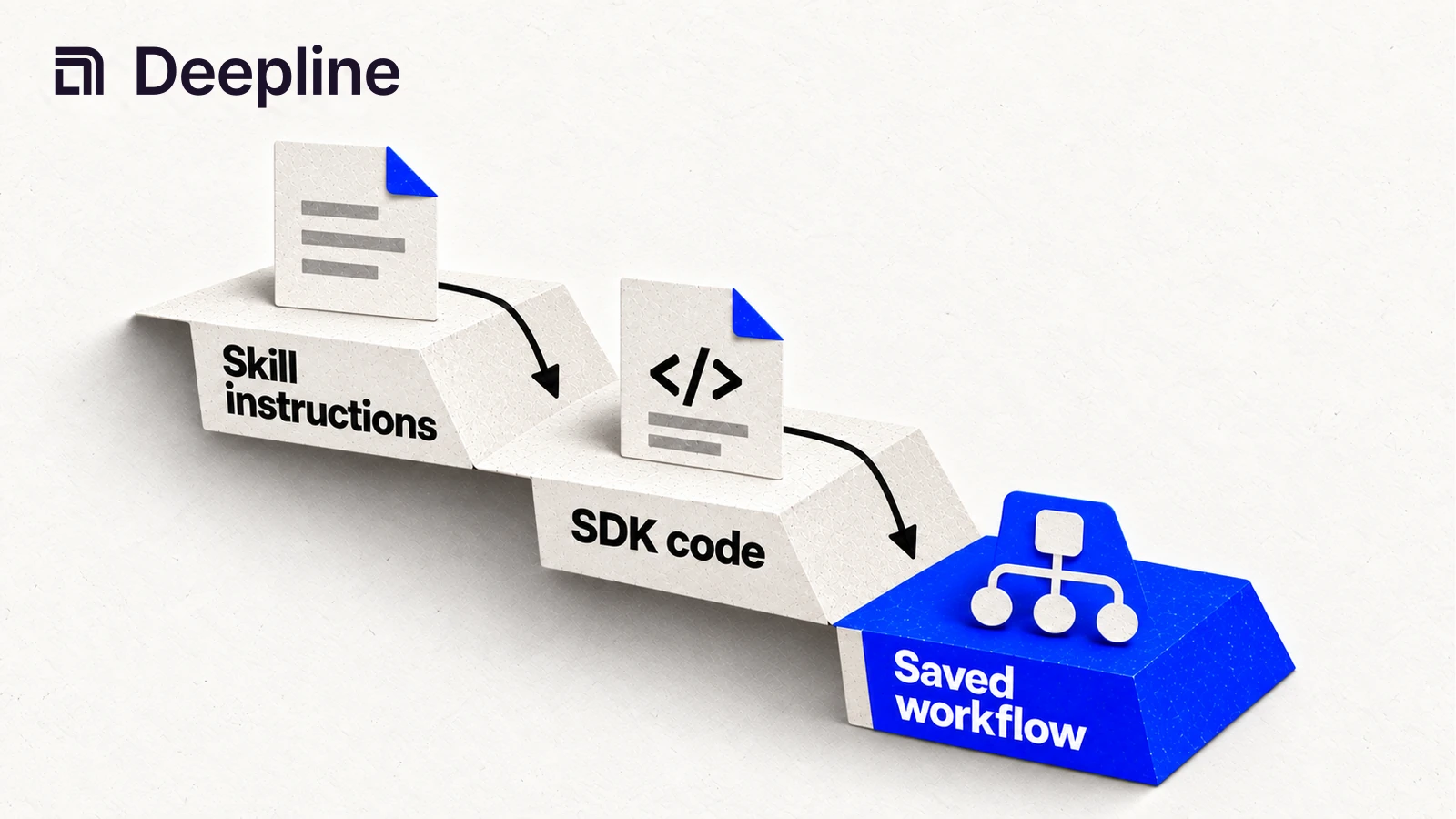
Action and system primitives
Primitive 1: the responsibility boundary
The Claude Code SDK is for agent sessions, permissions, files, and orchestration. Deepline skills are for getting GTM data into a useful shape first. Deepline scripts and Workflows are for deploying the proven motion after the sample is accepted.
| Human question | Claude Code handles | Deepline handles |
|---|---|---|
| What should the agent do next? | prompt, session, plan | the skill and data request |
| Can this workflow run safely? | file edits, review loop | sample validation and approval points |
| What happened in the GTM workflow? | summary and next-step report | output fields, statuses, and next step |
| Should we scale the run? | human approval workflow | scripts and Workflows after approval |
Primitive 2: the workflow-contract prompt
You are using Claude Code with Deepline skills to validate a GTM workflow.

Workflow goal: enrich and review a lead CSV.
Input file: leads.csv
Required output file: enriched-leads.csv
Required output fields: email, email_status, company_domain, next_step.

Before creating a script or Workflow:
- inspect the CSV headers,
- ask the Deepline skill for a small sample,
- summarize what came back,
- ask for approval before promoting the motion.

After the sample, summarize what changed, what failed, and whether this should become a script or Workflow.
That prompt is the human-facing contract. The SDK and CLI details sit underneath it after the skill proves the data is useful.
Primitive 3: the operator-readable result
Sample run complete.

Rows processed: 10
Ready for outbound: 6
Needs review: 2
Not found: 2

Output file: enriched-leads.csv
Recommendation: review the two needs_review rows, then approve full run.
The operator should never need to decode raw execution logs to understand whether the GTM workflow worked.
How to use the skill before writing SDK-backed Workflows
Start with the Deepline skill. Give Claude Code the data you have, the output you want, and one good example of the result. The skill keeps the session grounded in the GTM outcome before SDK-backed scripts or Workflows start handling repeatable execution.
When the skill returns data you trust, promote the same prompt and field contract into a script for repeatable runs or a Deepline Workflow for production handoffs.
The implementation surfaces for SDK-backed scripts and Workflows are:
GET /api/v2/toolsGET /api/v2/tools/searchGET /api/v2/integrations/{toolId}/getGET /api/v2/plays/{name}POST /api/v2/plays/checkPOST /api/v2/plays/runGET /api/v2/plays/run/{workflowId}POST /api/v2/plays/run/{workflowId}/stop
Use the official Claude Agent SDK docs for the agent environment and Deepline docs for skills, scripts, and Workflows. Deepline does not require a Claude Code-specific route for this workflow.
The split is intentional: Claude's SDK controls agent behavior, files, tools, permissions, and sessions. Deepline controls the skill, the data contract, and the script or Workflow that runs after approval.
Script pattern after the skill works
After the skill output is approved, start the script path with auth and discovery:
deepline auth status
deepline tools search email
deepline describe leadmagic_email_finder
Validate a Workflow before execution:
deepline plays check enrich-leads.play.ts
Run the play once validation passes:
deepline plays run --file enrich-leads.play.ts --input '{}' --watch
For CSV enrichment, use the supported enrich JSON object spec:
PLAY_NAME=$(deepline plays search "verified work email waterfall" --json | jq -er 'first(.plays[] | select(.inputSchema.properties.csv? != null) | (.reference // .name))')
deepline describe "$PLAY_NAME"
deepline plays run "$PLAY_NAME" --csv leads.csv --watch
For waterfall enrichment, keep the waterfall alias inside deepline plays run prebuilt/name-and-domain-to-email-waterfall-batch --csv leads.csv --watch:
PLAY_NAME=$(deepline plays search "verified work email waterfall" --json | jq -er 'first(.plays[] | select(.inputSchema.properties.csv? != null) | (.reference // .name))')
deepline describe "$PLAY_NAME"
deepline plays run "$PLAY_NAME" --csv leads.csv --watch
Quality check before deploying a Workflow
Use deepline plays check <file.play.ts> to validate play source and artifacts before a run. The matching route is POST /api/v2/plays/check.
Use the Deepline skill to validate the data first. Use deepline describe <toolId> to validate a provider tool schema before a script or Workflow forms input for execution. This is schema inspection, not a provider-backed run.
No no-spend Claude Code-specific test route is documented. Keep test steps on documented Deepline validation surfaces.
Before scaling, preserve the setup report, sample output, and approval decision. That gives the human a clear audit trail without exposing provider-internal economics.
Cost and billing behavior
Discovery, schema inspection, and play checks are setup and validation steps. Execution is the step that can call provider-backed operations.
For GTM workflows, keep costs Deepline-facing. BYOK mode uses customer-owned provider keys and no Deepline platform fee for that mode. Managed mode uses Deepline credit-based operation billing. Avoid exposing provider-internal economics to the customer or execution logs.