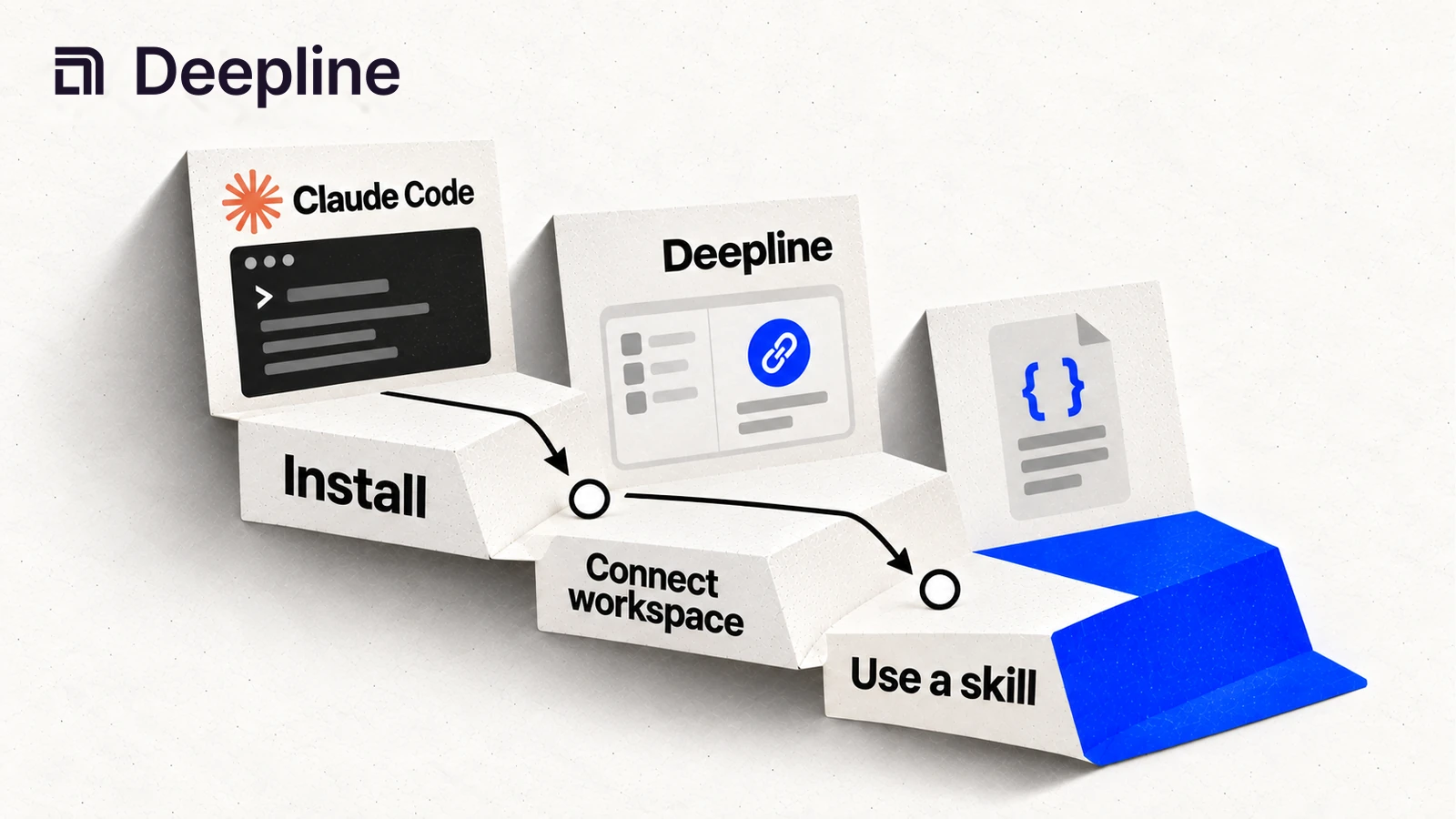
Action and system primitives
Primitive 1: an installed skill
The useful version of Claude Code for GTM starts with the Deepline skill. The skill is the primary way to ask for GTM data, inspect a sample, and refine the fields before the work becomes a script or Workflow.
| Setup check | Human-readable pass condition |
|---|---|
| Skill installed | Claude Code can use the Deepline skill in the project |
| Workspace verified | Deepline auth points at the expected workspace |
| Sample data ready | the skill can inspect the input file or account list |
| Approval point set | the operator can review sample output before scaling |
| Deployment path | the team knows whether this becomes a script or Workflow |
Primitive 2: the setup-verification prompt
You are setting up Claude Code with Deepline skills for a GTM workflow.

Before creating any script or Workflow:
1. Confirm the Deepline skill is available.
2. Inspect the input file or account list.
3. Ask the skill for a small sample of the data we need.
4. Summarize what came back and what is missing.
5. Tell me whether this should become a script, a Workflow, or stay manual.

Do not run paid enrichment until I approve the sample run.
That prompt is intentionally basic. It helps less-technical operators use Claude Code without needing to understand the full API path.
Primitive 3: the setup report
You should see a short setup report from Claude Code:
Ready:
- Deepline skill is installed.
- Input columns were inspected.
- 10-row email sample is ready for review.
- Missing rows are labeled not_found or needs_review.

Blocked:
- No sample run has been approved yet.
This is the point where a human can safely decide whether to run a sample.
How to use the skill before writing a Workflow
Start with the Deepline skill. Give Claude Code the data you have, the outcome you want, and one example of good output. The skill helps it test assumptions and work toward the outcome instead of blindly converting exploratory steps into a long Workflow.
Once the skill returns data you trust, promote the same prompt and field contract into a script for repeatable operator-owned runs or a Deepline Workflow for production handoffs.
The install and setup flow should prove that Deepline skills are available first. Scripts and Workflows use these implementation surfaces after the sample is accepted:
GET /api/v2/toolsGET /api/v2/tools/searchGET /api/v2/integrations/{toolId}/getPOST /api/v2/plays/checkPOST /api/v2/plays/run
Deepline does not have a Claude Code-specific endpoint. The skill helps Claude Code select the correct CLI operation. Use the Play describe, check, and run commands for named and owned Plays. A named prebuilt does not require a separate enrichment compilation step.
Install and deployment pattern
Install Deepline with the canonical installer:
npm install -g deepline@latest && npm exec --yes --package=deepline@latest -- deepline setup --json
If you still need to install Claude Code itself, start with the official Claude Code overview, then return here to connect Deepline to the GTM workflow.
Verify the CLI can resolve the active workspace:
deepline auth status
Then use the Deepline skill in Claude Code to request and inspect a small sample. If the result is approved, the script-level commands can use discovery and inspection before execution:
deepline tools search email
deepline describe leadmagic_email_finder
For Workflows, validate the play before running it:
deepline plays check enrich-leads.play.ts
deepline plays run --file enrich-leads.play.ts --input '{}' --watch
For CSV enrichment, search and inspect the live Play before execution:
PLAY_NAME=$(deepline plays search "verified work email waterfall" --json | jq -er 'first(.plays[] | select(.inputSchema.properties.csv? != null) | (.reference // .name))')
deepline describe "$PLAY_NAME"
deepline plays run "$PLAY_NAME" --csv leads.csv --watch
Quality check before deploying a Workflow
Use deepline plays check <file.play.ts> for no-run validation of play source and generated artifacts. The corresponding route is POST /api/v2/plays/check.
For tool setup, use discovery and schema inspection:
deepline tools search email
deepline describe leadmagic_email_finder
Do not present a provider-backed execution as a no-spend test unless the endpoint map documents that behavior for that exact workflow.
The quality bar is that the skill output is reviewed first, and the operator can see what was configured, what was checked, and what will cost money before a script or Workflow runs.
Cost and billing behavior
Setup commands such as auth status, tool search, tool describe, and plays check validate configuration and schema shape. They are different from provider-backed execution.
When a workflow runs enrichment or a provider tool, keep the billing language Deepline-facing. BYOK mode uses customer-owned provider keys and no Deepline platform fee for that mode. Managed mode uses Deepline credit-based operation billing. Always validate a small sample before scaling a GTM run.