

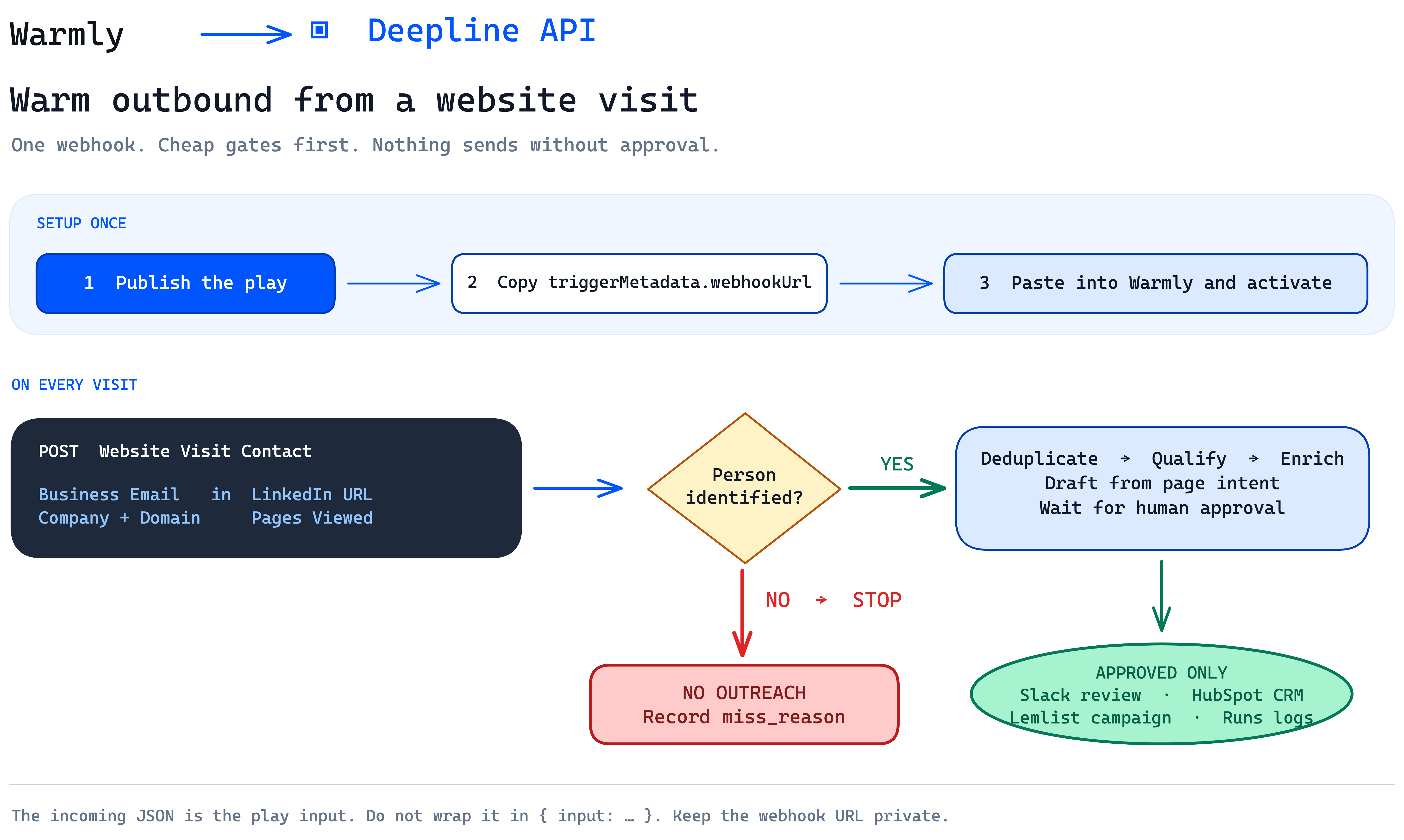
Warmly sends the visitor event. The Play either records a reason to stop or sends a qualified lead to human review.
Prerequisites
- A Warmly source that can send Website Visit Contact events.
- A reviewer and a review destination, such as a Slack queue or CRM review field.
- ICP, suppression, deduplication, and approval rules that the Play can apply.
- A connected Deepline workspace and a local project folder for the Play file.
Create the Play
Give your coding agent this request:Validate it without deploying or spending credits
Check the local Play before it is published or receives an event:plays check validates the local artifact. It does not publish the Play, create
a run, or call an enrichment provider.
Publish and configure Warmly
After you review the checked source, publish it:triggerMetadata.webhookUrl from the JSON response. Treat the full URL as
a secret.
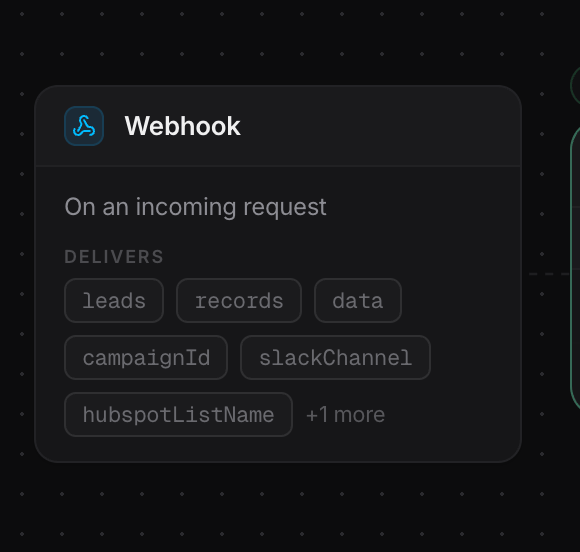
The Webhook node is the entry point for each Warmly event.
- On the free tier, open Settings > Webhooks, paste the full URL, and save.
- On a paid tier, use Orchestrator: choose Website Visit Contact, add Send Contact to Webhook, paste the full URL, and activate the orchestration.
Map the event fields
Keep the raw event available for debugging, but write the normalized fields your
logic needs. Do not assume all visitor events identify a person; a company-only
event should stop with its recorded reason.
Test one event and inspect the result
Send one controlled Warmly test event. Then inspect the newest run:miss_reason or routed to the designated human reviewer. Confirm that no CRM,
campaign, or email action ran before approval.