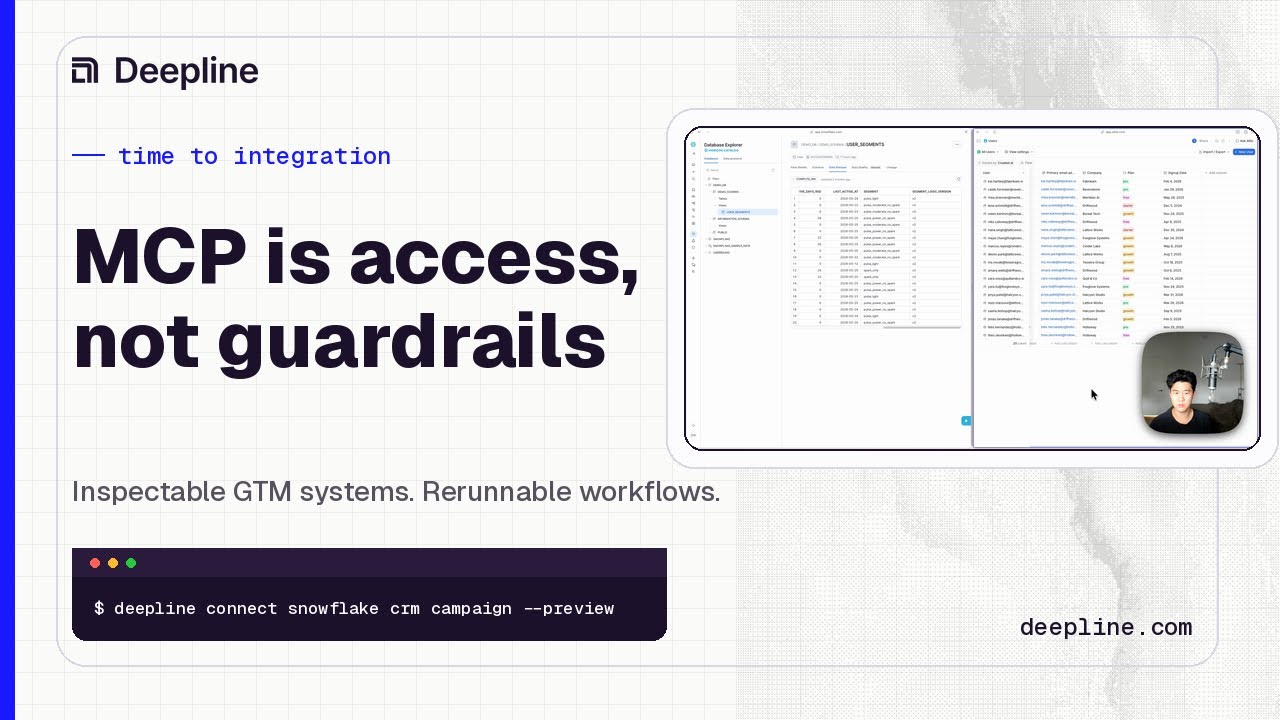
Video not loading in LinkedIn or your in-app browser? Watch it on YouTube.
A Snowflake-to-CRM-to-campaign workflow should identify the right users from product data, sync the relevant attributes into CRM, create a campaign draft, and verify that the data landed correctly before anything goes live.
Direct answer
A Snowflake to CRM to campaign workflow moves account or contact data from the warehouse into a CRM and then into an activation tool such as a sequencer, ad audience, or campaign platform. The hard part is not moving data once. The hard part is making the handoff reliable, inspectable, and safe enough to rerun.
The technical GTM person is usually stuck between two bad options:
- ask engineering for help and wait
- hack the workflow together and hope the CRM survives
Neither feels good. The first kills momentum. The second creates invisible risk.
Why time to integration matters
The demo starts with a familiar growth problem.
You have product usage data in Snowflake. You can see a cohort of users who should probably try a new product. The data is in Snowflake. The customer records are in Attio or Salesforce. The campaign needs to be created in Instantly. The attributes need to sync cleanly. The permissions need to be scoped. The campaign should be drafted, not accidentally activated.
For 20 users, you can fake it with CSVs.
For a million users, that stops being funny.
MCP is access, not guardrails
The obvious answer is to wire everything together through Claude and MCP.
Sometimes that works. Sometimes it is the wrong level of abstraction.
For GTM workflows, you often need boring things that are actually important: scoped permissions, clear API integrations, approval steps, and a local process that shows what is happening.
The goal is not to make the agent look magical. The goal is to make the workflow safe enough to use.
The useful demo moment
The most useful part of the video is the gut check at the end.
Sung does not just say the workflow ran. He starts from the end and works backward.
He checks Instantly. The campaign exists. The leads are there. The email sequence exists.
Then he checks the CRM. The expected users have the new lifecycle segment attributes. The data made it from Snowflake to CRM to campaign tool in the shape the operator expected.
That is the bar.
Not "the agent completed."
"The system did the right thing, and I can verify it."
Video chapters
| Time | Chapter |
|---|---|
| 00:00 | The growth engineer problem |
| 00:17 | Snowflake, CRM, and campaign tools are out of sync |
| 00:49 | Why Claude plus MCP needs guardrails |
| 01:01 | The plain English prompt |
| 01:59 | Safe integrations and permissions |
| 03:21 | Clarifying questions before the run |
| 03:59 | Checking the campaign in Instantly |
| 04:29 | Checking CRM attributes |
Search terms this page targets
- Snowflake CRM campaign workflow
- Snowflake to Instantly
- Attio Instantly integration
- Claude Code GTM workflow
- MCP guardrails
- GTM integration workflow
FAQ
Why not just export Snowflake data to CSV?
CSVs work for small lists and one-off campaigns. They break down when the cohort is large, attributes need to stay synced, or the workflow needs to be repeated safely.
What does MCP solve here?
MCP can help an agent access tools. It does not automatically solve permissions, approvals, draft mode, data verification, or workflow auditability.
What should growth engineers optimize for?
They should optimize for repeatable systems, not clever glue code. The campaign path should be boring enough to rerun and inspect.