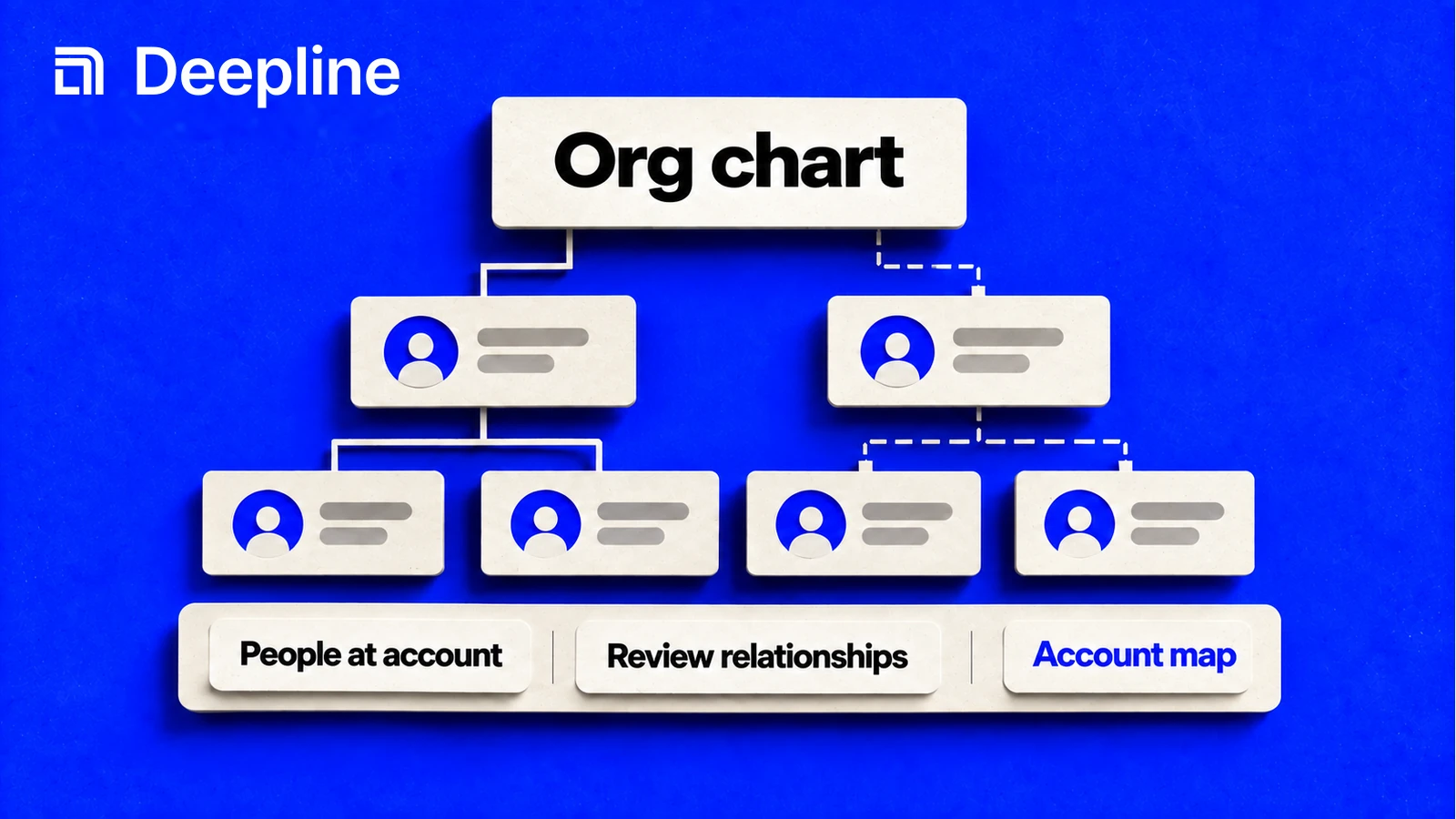
Account mapping takes forever. You search LinkedIn, cross-reference job postings, guess at reporting lines, and end up with a spreadsheet that's outdated by the time you finish. Deepline does this automatically. Give it a person or company, and it returns an org chart with hierarchy inferred from titles, teams, and tenure.
The problem with manual account mapping
Most B2B sellers do account mapping the same way: open LinkedIn Sales Navigator, search the company, export to a spreadsheet, manually research each person, guess who reports to whom.
This takes 1-2 hours per account. The data decays at 22.5% per year. By the time you finish 20 accounts, the first five are already stale.
Deepline's org chart builder does this in one command. It searches multiple providers, enriches each contact, infers hierarchy using title-based seniority classification, and outputs structured data you can push directly to your CRM.
How to run it
In Claude Code, use the /orgchart skill:
/orgchart Map the engineering leadership at stripe.com
Or start from a specific person:
/orgchart Build the org around linkedin.com/in/manpreet-singh at Stripe
The skill reads your target, searches for employees at the company, classifies seniority, and infers who reports to whom.
How it works
People discovery. Searches Apollo across multiple seniority tiers (executives, directors, managers) to find employees at the target company. Runs multiple passes to get broad coverage.
Profile enrichment. For each person found, enriches the profile with LeadMagic or similar providers to get full job titles, locations, and LinkedIn URLs.
Team clustering. Fetches job listings from Crustdata to understand team structure. Job postings reveal departments ("Engineering - Identity Platform") that titles alone miss.
Hierarchy inference. Classifies each person's seniority from their title, then predicts reporting lines using a scoring model.
The seniority classification model
Deepline classifies titles into 11 seniority levels:
| Rank | Level | Example titles |
|---|---|---|
| 0 | CTO | Chief Technology Officer |
| 1 | SVP | Senior Vice President of Engineering |
| 2 | VP | Vice President, VP Engineering |
| 3 | Sr Director | Senior Director of Product |
| 4 | Director | Director, Head of Engineering |
| 5 | Sr Manager | Senior Manager, Group PM |
| 6 | Manager | Engineering Manager |
| 7 | Principal | Principal Engineer, Staff Engineer |
| 8 | Lead | Lead Engineer |
| 9 | Senior | Senior Software Engineer |
| 10 | IC | Software Engineer |
The classification checks patterns in order. "Senior Vice President" matches before "Vice President." "Head of Engineering" maps to Director level.
The manager prediction model
Once everyone has a seniority level, Deepline predicts who reports to whom using a scoring system:
score = seniority_gap + team_match + geo_proximity
Seniority gap: +10 for exactly one level above. +5 for two levels. +2 for three. Your manager is usually one level above you, not three.
Team match: +8 for same team. +3 if teams overlap (e.g., "Identity" is a substring of "Identity Platform"). You probably report to someone in your own department.
Geo proximity: +2 for same city. +1 for same country. Remote teams exist, but co-located managers are more common.
The highest-scoring candidate above threshold (5 points) becomes the predicted manager. If no one scores high enough, the person is placed at the top of their branch.
Example output
For a target like "Manpreet Singh, Head of Engineering - Identity at Stripe," the builder returns:
{
  "people": {
    "manpreet-singh": {
      "name": "Manpreet Singh",
      "title": "Head of Engineering, Identity",
      "seniority": "director",
      "team": "Identity",
      "location": "San Francisco, CA",
      "linkedin": "linkedin.com/in/manpreet-singh"
    },
    "charles-huang": {
      "name": "Charles Huang",
      "title": "VP Engineering",
      "seniority": "vp",
      "team": "Engineering",
      "location": "San Francisco, CA"
    }
  },
  "hierarchy": {
    "root": "charles-huang",
    "target": "manpreet-singh",
    "edges": {
      "charles-huang": ["manpreet-singh", "other-director"]
    }
  },
  "summary": {
    "target": "Manpreet Singh",
    "manager": "Charles Huang",
    "peers": ["Other Director"],
    "direct_reports": ["Amy Seaman", "Dan Manager"],
    "total_people": 12
  }
}
The edges object maps parent to children. Claude Code can render this as an interactive HTML org chart or push the contacts to your CRM with hierarchy metadata.
Generating the visual
If you want an HTML visualization:
/orgchart Build org chart for Stripe engineering and generate HTML output
Claude Code produces a self-contained HTML file with interactive nodes. Click a person to see their details. The chart uses the same color coding by team that job listings revealed.
A real example
Here is a live chart built with this exact workflow: the Harness GTM org chart — roughly 75 people mapped across the go-to-market org, from the CEO down through SVPs, directors, and managers.
A few things worth noticing in it:
- Source badges on every node. Entries are tagged "Apify verified," "2+ sources," or "1 source," so you can see the confidence behind each placement before you act on it.
- Departure tracking. The chart flags recent departures alongside the current roster. Account maps go stale fast, and knowing who just left is as actionable as knowing who is there.
- Self-contained HTML. The whole chart is one file with expandable branches and per-person detail, so you can deploy it anywhere — this one is hosted on Vercel.
Accuracy and limitations
The org chart builder is inference-based. It does not have access to internal HR data. Accuracy depends on:
- Public data availability. If someone has no LinkedIn or no title in Apollo, they may be missing from the chart.
- Title clarity. "Director of Special Projects" is harder to classify than "VP Engineering."
- Company size. The model works best for companies with 50-500 employees. Very large companies have too many layers; very small ones have ambiguous titles.
For most B2B account mapping use cases, the inference is good enough. You get the buying committee structure in minutes instead of hours, and you can manually correct any errors before sending outreach.
Pushing to CRM
The org chart builder outputs structured JSON that Claude Code can push to HubSpot or Salesforce:
/deepline-gtm Push the enriched contacts to HubSpot with hierarchy tags
Each contact gets custom properties for:
- Seniority level
- Team/department
- Manager name (if inferred)
- Direct reports count
This makes it easy to filter your CRM by "all directors at target accounts" or "everyone who reports to the CTO."
Related plays
- Account mapping play - Full documentation for the account mapping workflow
- Company to contact waterfall - How the underlying contact discovery works
- Claude Code skills - All available skills including /orgchart
- Quick start - Install Deepline and run your first command
Continue with a related workflow
An org chart can also expose relationship paths. See the warm-intro automation walkthrough for turning those paths into a reviewed introduction workflow.